
Plan the work where the week actually happens.
Corporate Suite Planner puts meetings and scheduled work on one calendar, so the team can see whether the plan fits before promising it.

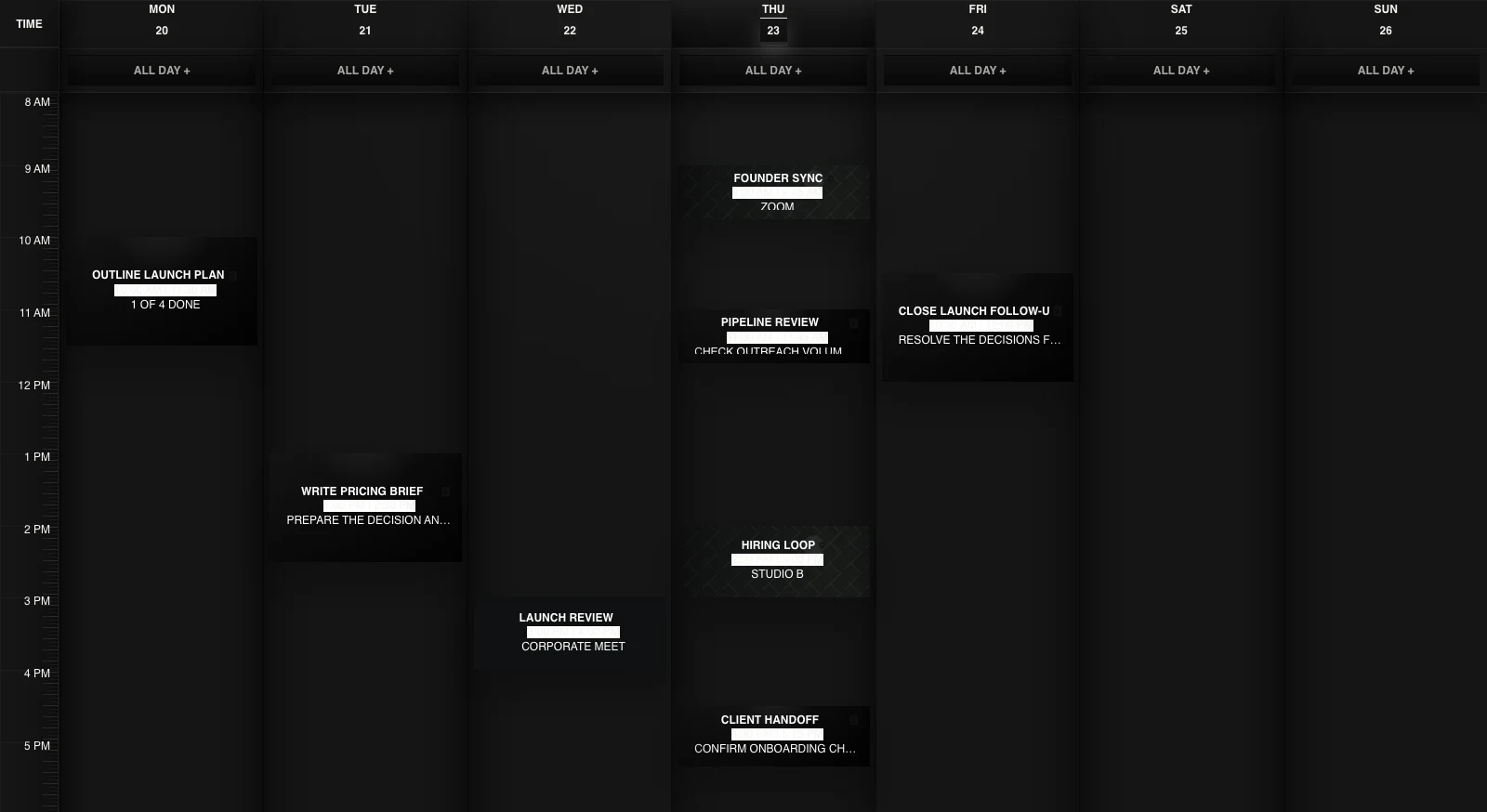
See the whole week before you commit to it.
Day, week, and month views put scheduled work beside the meetings already taking the team's time.
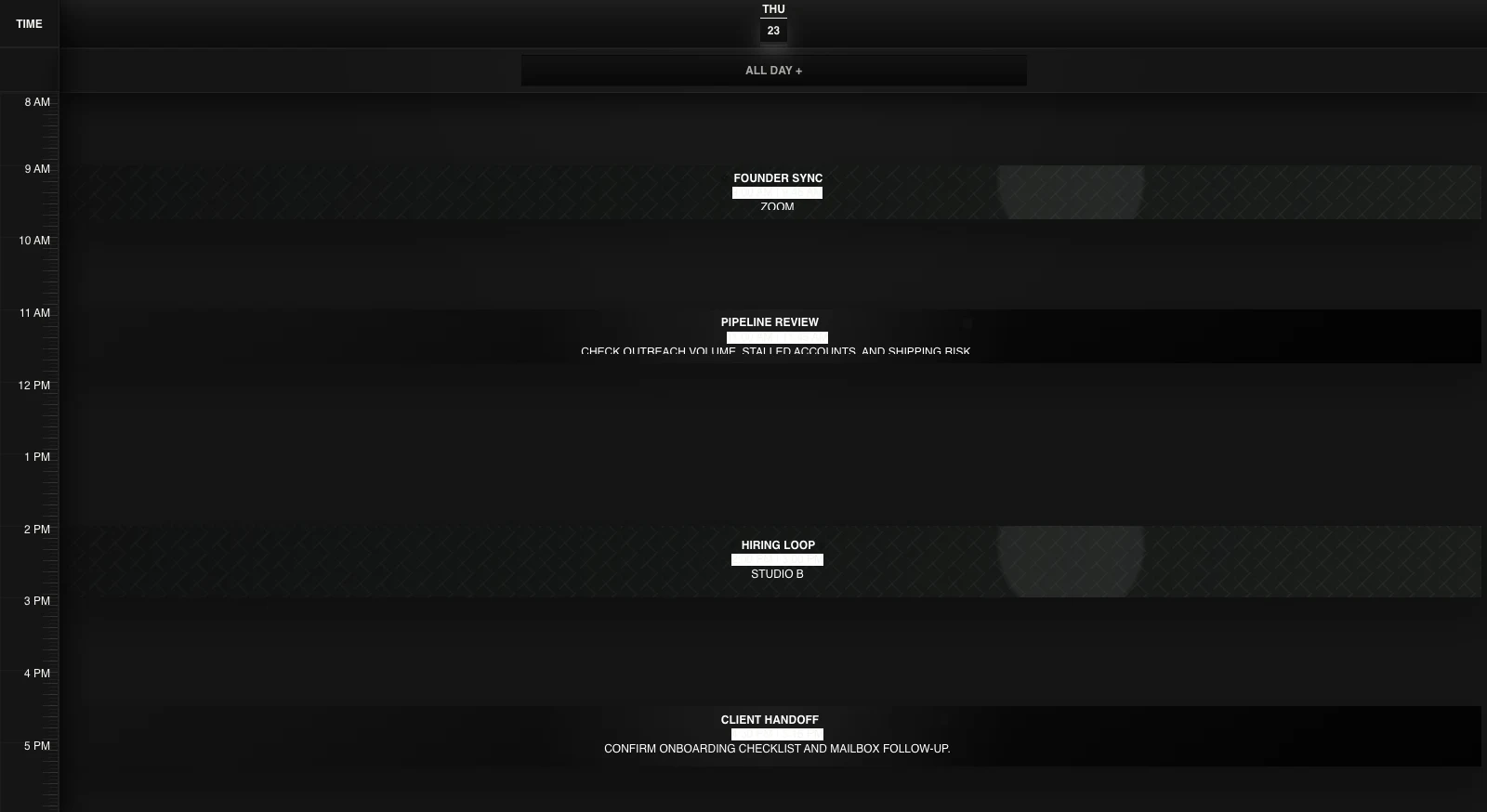

Turn a task into time.
A work session can keep the linked work, definition of done, focus state, and checklist context that belong in that block.
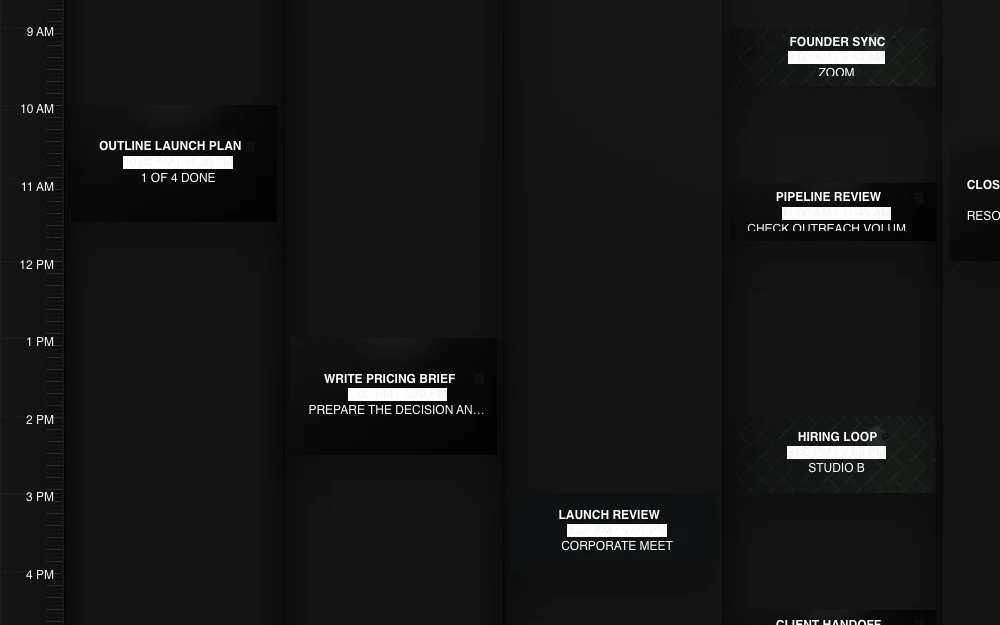
Move the plan when the week moves.
Move or resize work when the calendar changes. The time moves; the connection to the work stays with it.
Give the work a place in the week.
Put the next piece of work somewhere the team can actually see it happen.
Questions about Corporate Suite Planner.
What is team planning software?
Team planning software shows when work can happen, not only what the work is. Corporate Suite Planner puts calendar events and scheduled work on the same time surface so the plan has to fit the week the team already has.
How is Planner different from a task list?
A task list records work. Planner gives that work time. A work session can keep its definition of done, focus state, linked work items, and checklist context while it sits beside the rest of the calendar.
Can Planner schedule work beside meetings?
Yes. Meetings and scheduled work can share the same day, week, or month view, making the collision between a task and the existing calendar visible before the team commits to both.
What can a Planner work session keep?
A work session can keep a definition of done, a focus state, links to work items or checklist items, and a compact checklist projection for the block.
Does Planner automatically make a week realistic?
No. Planner makes the time commitment visible and movable. The team still decides what matters, what fits, and what should move when the week changes.