
COMPANY AI
Ask for help where the work already lives.
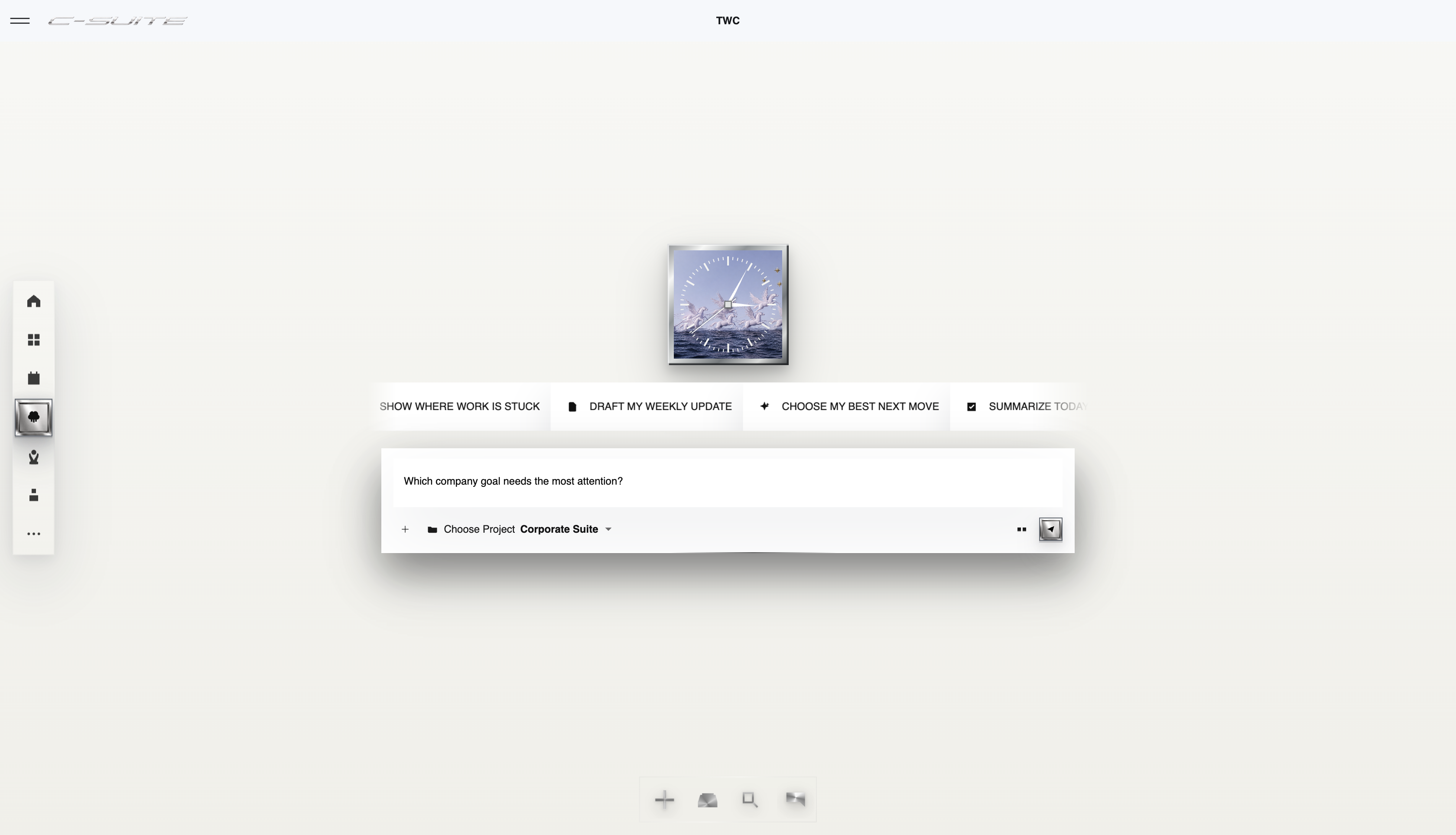
Use Company AI to think through a task, prepare a draft, or improve a response. Bring the relevant work context into the request and review the answer before acting on it.


WHAT YOU ARE LOOKING AT
Ask the company, not an empty chat box.
Company AI works from authorized company context and presents the answer with the records behind it, so the response can be checked before it is used.
Start with useful context
Explain the task and intended result so the assistant can help with the work in front of you.
Reduce first-draft effort
Ask for help preparing a document, presentation, or response, then refine the result.
Keep human judgment involved
Check the output and choose what to use. Drafting help should make your next decision easier.
FROM OPEN TO OUTCOME
How Company AI works
- 01
Choose the work
Open the task or conversation where you need help.
- 02
Describe the outcome
Explain the audience, required format, and relevant constraints.
- 03
Review and use the result
Check the response, refine it, and insert or apply what is useful.
A REAL WAY TO USE IT
Prepare a project update
A task brief and the points your audience needs to understand.
- Open the task or conversation where you need help.
- Explain the audience, required format, and relevant constraints.
- Check the response, refine it, and insert or apply what is useful.
OutcomeA draft to review and improve without starting from an empty page.
THE STRAIGHT ANSWERS
Questions about Company AI
Does Company AI automatically send my drafted messages?
The private composer assistant helps prepare a response. Review and insert the output into your draft; the assistant does not automatically post that response for you.
Where can I check plans and availability?
See the current pricing page for included capabilities, plan limits, and AI usage allowances. Try the workflow that matters to your team before committing to a broader rollout.
CONNECTED PRODUCT
Keep the rest of the work attached.


START WITH THE WORK
Try one real workflow.
Use Company AI on something your team already understands. Compare the setup, review effort, and result.