
CHAT IN WORKAHOLIC
Team chat with the work in the conversation.
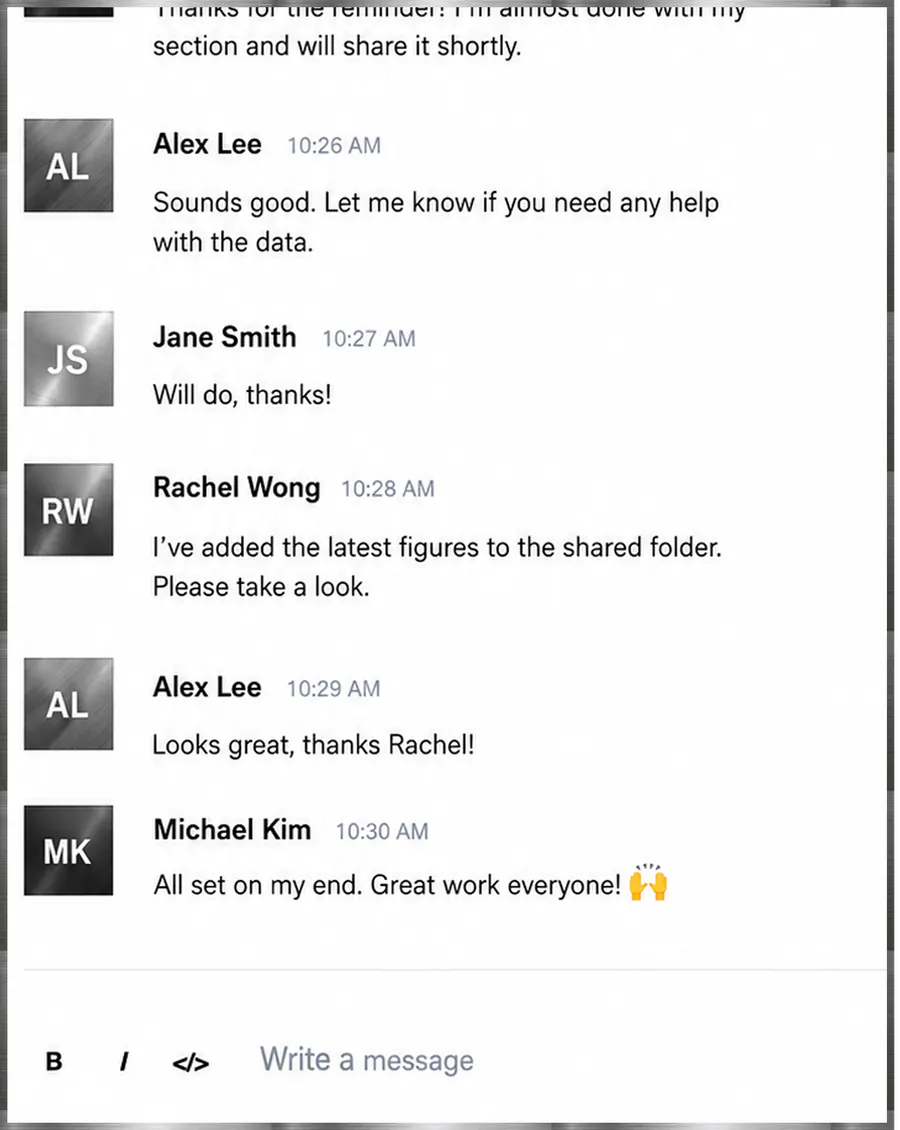
A useful conversation should leave the next person with enough context to act. Corporate Suite Chat brings channels, direct messages, threads, and shared work into the same company workspace.

WHAT YOU ARE LOOKING AT
A conversation can point to the work it changes.
Channels, direct messages, records, and AI employees share the company context instead of scattering decisions across an isolated messenger.
Explain it once
Share the relevant record in the conversation so teammates can refer to the work instead of asking you to reconstruct it.
Keep replies in context
Use threads to follow a discussion without scattering its replies across unrelated updates.
Reduce the app shuffle
Discuss work where your team manages it. Evaluate whether that can simplify your communication stack before adding another subscription.
FROM OPEN TO OUTCOME
How Chat works
- 01
Choose the right conversation
Use a channel for a shared discussion or a direct message for a focused exchange.
- 02
Bring the work with you
Share a work record or reference a task so the discussion has a concrete starting point.
- 03
Keep the follow-up clear
Continue the discussion in a thread and make the next action explicit. A conversation alone is not a completed task.
A REAL WAY TO USE IT
Review a launch brief without the context chase
A draft brief that needs feedback from design and operations.
- Share the brief in the relevant conversation.
- Keep feedback together in a thread.
- Reference the task that owns the next revision.
OutcomeA discussion connected to the work, so teammates spend less effort piecing together the decision.
THE STRAIGHT ANSWERS
Questions about Chat
What is Corporate Suite Chat?
It is workplace messaging within Corporate Suite, with channels, direct conversations, threads, and shared records for discussing company work.
How does team chat connect to tasks?
Task references and shared work give a conversation a concrete point of reference. Access to a referenced record still depends on the user's permissions.
Does the company assistant send messages for me?
The private composer assistant can help prepare a response. Review and insert its output into your draft; it does not automatically post that response for you.
Can this replace our existing team chat app?
Evaluate your team's messaging, integration, retention, and administration requirements first. Try a real workflow and compare the current plan's capabilities before switching tools.
CONNECTED PRODUCT
Keep the rest of the work attached.



START WITH THE WORK
Try one real workflow.
Use Chat on something your team already understands. Compare the setup, review effort, and result.