
DOCS IN WORKAHOLIC
Keep the brief beside the work.
Write project briefs, plans, and working notes in Corporate Suite. Give your team a document to return to as the work develops instead of scattering context across disconnected files.
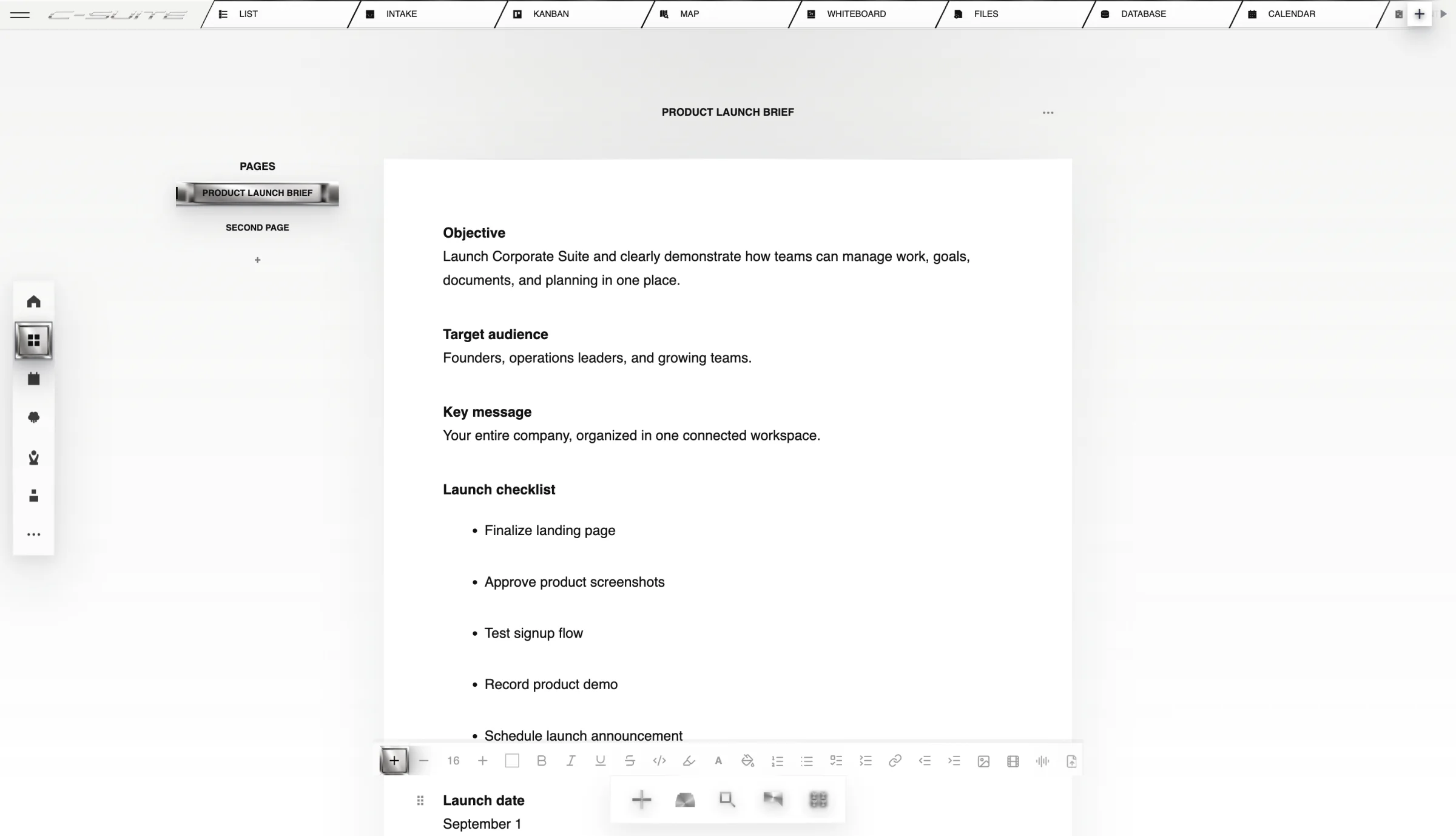

WHAT YOU ARE LOOKING AT
The brief lives where the work gets done.
Write the plan, connect it to the project, and keep supporting files and decisions close enough that the document remains operational.
Reduce repeated explanations
Put objectives, requirements, and success measures in a brief your team can reference.
Keep the work understandable
Maintain the reasoning behind a project alongside its day-to-day execution.
Make handoffs easier
Give the next person the background they need before they start.
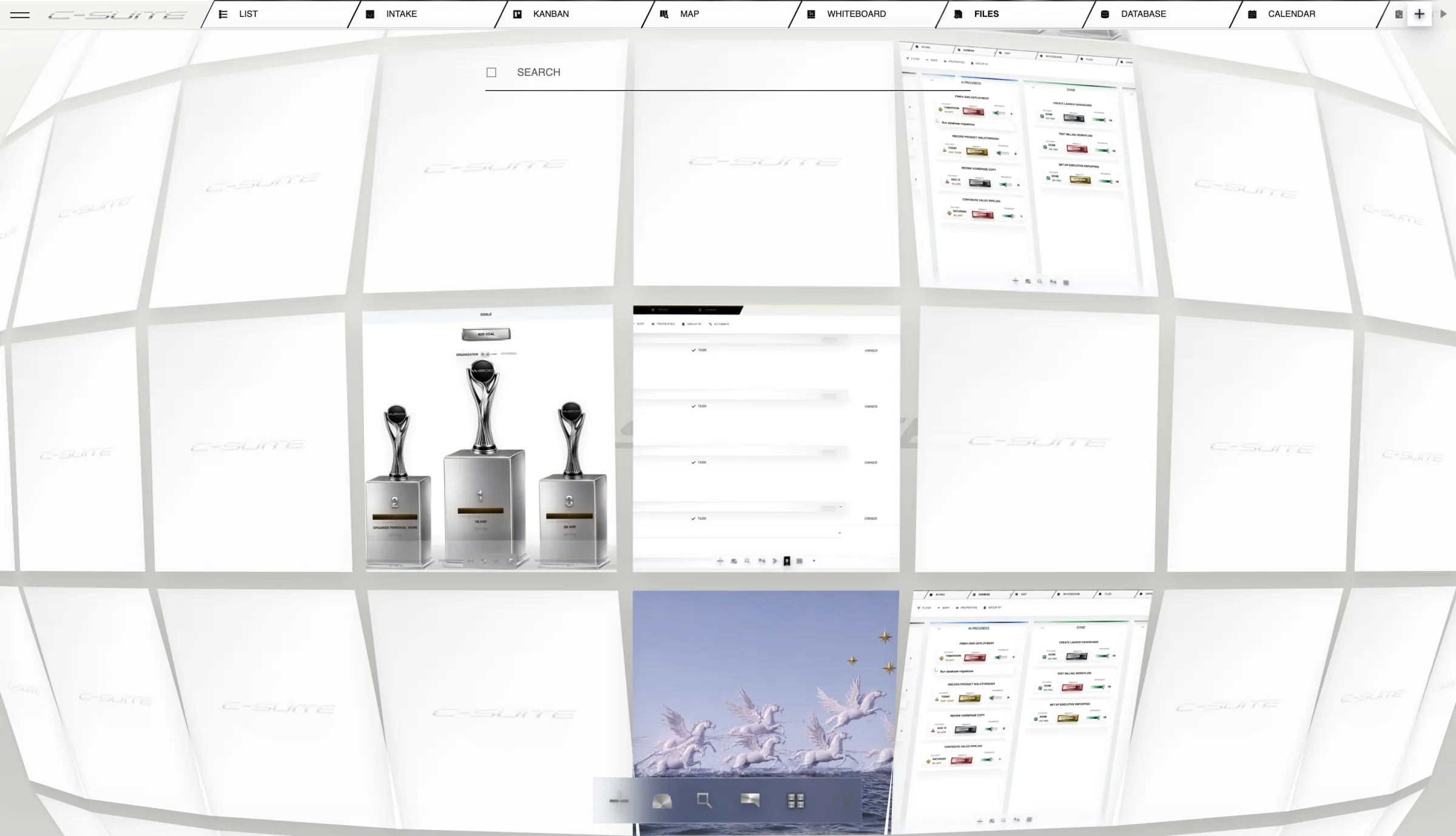
FROM OPEN TO OUTCOME
How Docs works
- 01
Write the brief
Capture the objective, audience, requirements, and expected result.
- 02
Connect the discussion
Share the relevant document when discussing the work with your team.
- 03
Keep it useful
Revise the brief when decisions change and make the next step clear.
A REAL WAY TO USE IT
Prepare a launch brief
An upcoming release with design, marketing, and operations contributors.
- Capture the objective, audience, requirements, and expected result.
- Share the relevant document when discussing the work with your team.
- Revise the brief when decisions change and make the next step clear.
OutcomeOne brief for the team to consult rather than repeated explanations.
THE STRAIGHT ANSWERS
Questions about Docs
What should a project brief include?
Start with the objective, audience, scope, requirements, owner, and success measures. Add the decisions and references someone needs to complete the work.
Where can I check plans and availability?
See the current pricing page for included capabilities, plan limits, and AI usage allowances. Try the workflow that matters to your team before committing to a broader rollout.
CONNECTED PRODUCT
Keep the rest of the work attached.



START WITH THE WORK
Try one real workflow.
Use Docs on something your team already understands. Compare the setup, review effort, and result.