
KANBAN IN WORKAHOLIC
See the work. Move it forward.
Organize project tasks on a Kanban board so your team can see what is ready, what is moving, and what is done. Keep ownership and priorities close to each card.
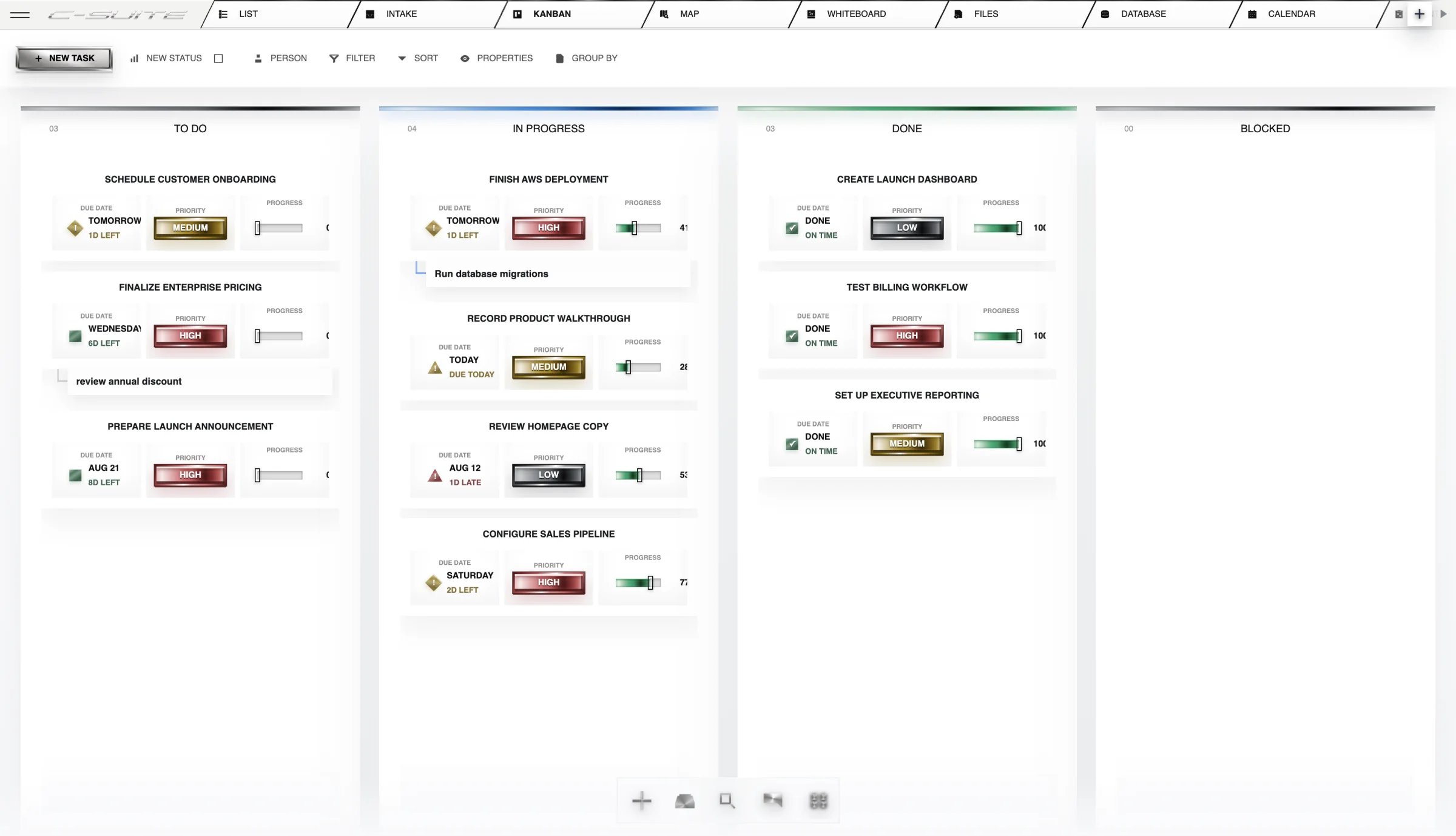

WHAT YOU ARE LOOKING AT
See the work move without losing the record.
Cards are real work items with owners, fields, discussion, and history. Moving a card changes the shared work instead of drawing a second picture of it.
See status at a glance
Review the board instead of asking every teammate for a separate update.
Keep the owner visible
Use task ownership and priority to understand who is responsible and what deserves attention.
Reduce duplicate tracking
View project work as a board without maintaining a second status spreadsheet.
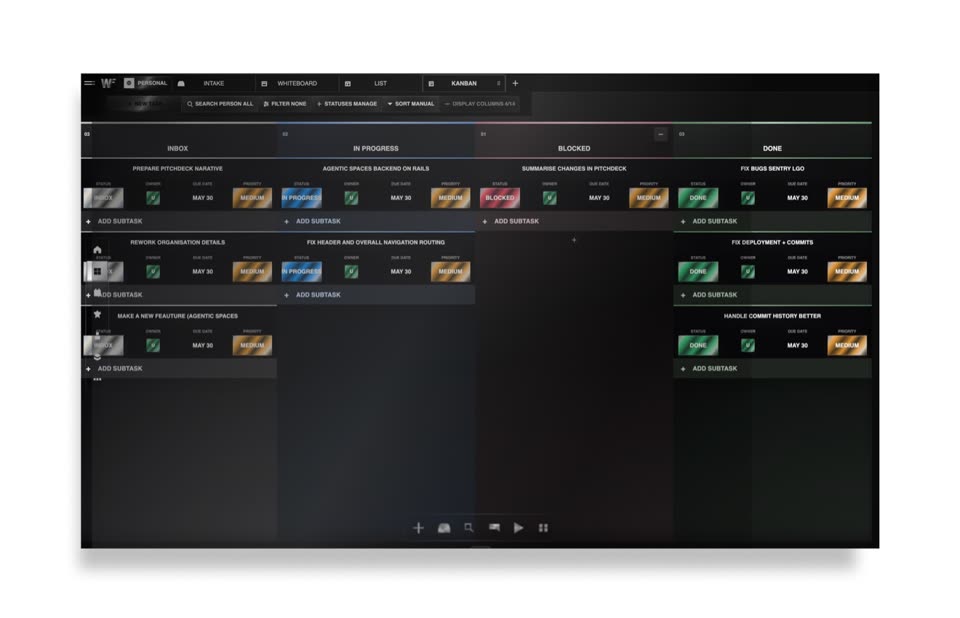
FROM OPEN TO OUTCOME
How Kanban works
- 01
Open the project board
Review the tasks and their current stages.
- 02
Review the next priority
Check the owner, dates, and priority before moving the work forward.
- 03
Keep status current
Update the work as it progresses so the board remains useful to the team.
A REAL WAY TO USE IT
Plan a product launch
Launch tasks across design, content, and operations.
- Review the tasks and their current stages.
- Check the owner, dates, and priority before moving the work forward.
- Update the work as it progresses so the board remains useful to the team.
OutcomeA shared picture of the launch with less status chasing.
THE STRAIGHT ANSWERS
Questions about Kanban
Is a Kanban board the same as a task list?
Both can represent project tasks. A board groups work visually by stage, making the flow of work easier to review.
Where can I check plans and availability?
See the current pricing page for included capabilities, plan limits, and AI usage allowances. Try the workflow that matters to your team before committing to a broader rollout.
CONNECTED PRODUCT
Keep the rest of the work attached.


START WITH THE WORK
Try one real workflow.
Use Kanban on something your team already understands. Compare the setup, review effort, and result.